To build a Google compliant FAQ, start by basing every question on real user inquiries you can observe in tickets, chats, or search data. Write clear one sentence answers followed by a brief, practical explanation. Then implement FAQPage structured data as JSON LD with a mainEntity array of Question items, each containing a name and an acceptedAnswer text. Ensure the on page FAQ content matches the markup exactly and that the content is visible to users on the source page. Validate the markup with Google's Rich Results Test and fix any errors before publishing. Publish on pages where FAQs appear in context with clear paths to conversion, then use the URL Inspection tool and Search Console to monitor indexing and performance. Update the markup whenever content changes to keep results accurate and fresh.
This is for you if:
- You are optimizing for Google rich results and need reliable FAQ markup
- You are coordinating content and development across a site with multiple FAQ pages
- You have access to real user questions from support tickets or chats
- You want to validate markup with standard tools before publishing
- You aim to monitor indexing and performance in Search Console and iterate
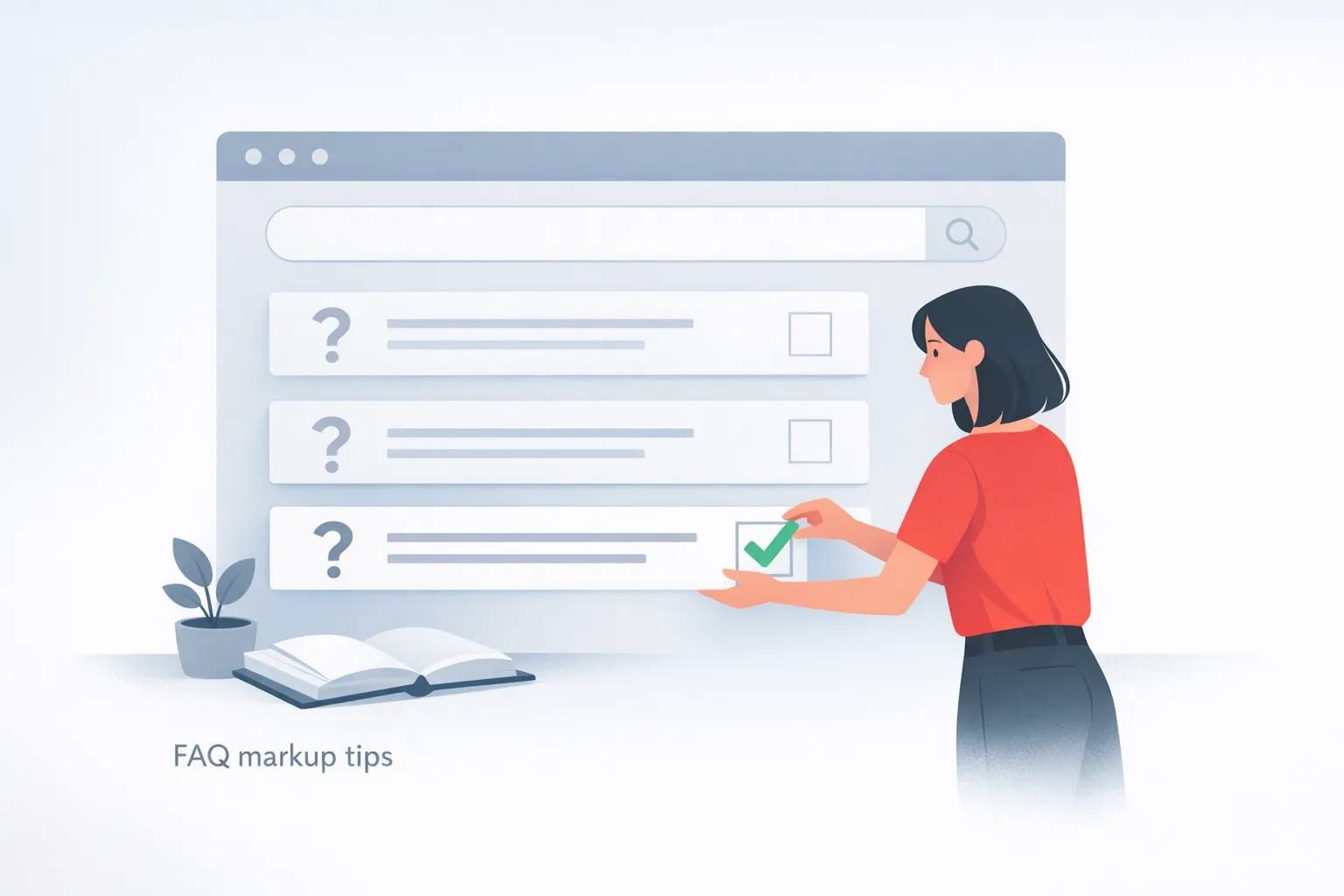
Prerequisites for building a Google-ready FAQ
Preparing prerequisites ensures you work with reliable content, proper structure, and validated markup from the start. By collecting real user questions, crafting concise answers, and confirming accessibility and visibility, you reduce backtracking and increase the likelihood of eligible rich results. Clear inputs and aligned tooling also help maintain consistency across pages and devices, making the process smoother and more scalable.
Before you start, make sure you have:
- Access to the live page content where FAQs will appear (visible to users)
- Ability to edit the page in your CMS or raw HTML source
- A verified list of real customer questions from support tickets, chats, forms, or calls
- Clear one-sentence answers for each question plus a short explanatory paragraph
- A plan to place FAQs near decision points such as CTAs, pricing sections, or product pages
- Permission to publish and update pages regularly and track changes
- Knowledge of JSON-LD or Microdata and how to insert structured data
- Access to a validator to test markup before publishing
- A method to keep content and markup synchronized when content changes
- A plan to update a sitemap or ensure crawlers re-crawl after updates
- Understanding of how to place markup in the page head or body per CMS guidance
- Familiarity with Schema.org definitions for FAQPage to ensure correct properties
- Visit official FAQPage definitions at schema.org
Take Action: Build a Google-Ready FAQ
Executing these steps requires focused planning and careful execution. Begin by gathering authentic questions from real customer interactions and ensuring every answer is concise and accurate. Then encode the content with a standards based markup that Google can read, and validate early with the provided tooling. Finally, keep the on page FAQ text and the structured data synchronized as pages change, and monitor performance to sustain improvements.
-
Gather Real Questions from Customer Sources
Pull questions from support tickets, chat transcripts, form submissions, and sales conversations. Capture exact wording and common variants to reflect how users actually search. Organize questions by intent such as research, purchase readiness, and post purchase.
How to verify: Ensure each question has a clear user focus and a corresponding answer ready for markup.
Common fail: Questions are invented or do not match actual user concerns.
-
Draft Concise One-Sentence Answers
Write precise one-sentence answers that resolve the question quickly. Avoid hedging and keep the core answer upfront. Reserve a short explanatory sentence or two for context.
How to verify: Each answer stands alone and directly addresses the question.
Common fail: Answers are too long or vague.
-
Expand with Brief Explanations
Add a brief paragraph after each answer to provide context and practical details. Keep the language simple and actionable. Ensure the explanation supports the user’s decision without duplicating the answer.
How to verify: The explanation adds value beyond the direct answer.
Common fail: Repeats the same content as the answer.
-
Create FAQPage Markup as JSON-LD
Encode FAQPage with JSON-LD by creating a script block that includes the context, type, and a mainEntity array of Question items. Each Question includes a name and an acceptedAnswer with text.
How to verify: The JSON-LD script is present and accurately mirrors the visible FAQ.
Common fail: Markup is missing or misaligned with on page content Source .
-
Validate the Markup with Rich Results Test
Run Google's Rich Results Test to confirm eligibility and fix errors. Review the results for any critical issues and adjust the markup accordingly.
How to verify: Validation reports no critical errors and shows eligible rich results.
Common fail: Validation reports errors that block rich results.
-
Publish on Visible FAQ Pages and Link to CTAs
Publish on pages where FAQs are visible and accessible, ensuring the content aligns with CTAs and conversion paths. Confirm there are no blockers to indexing and that the page remains accessible to users and search engines.
How to verify: Confirm the page is crawlable and indexed.
Common fail: FAQ content is hidden behind accordions or not linked from key pages.
-
Monitor Indexing and Update
Set up ongoing monitoring using URL Inspection and Search Console to track indexing and rich results performance. Plan periodic updates to keep FAQ content and markup synchronized with product or content changes.
How to verify: Look for consistent indexing and stable rich results over time.
Common fail: Markup becomes outdated and diverges from on page content.
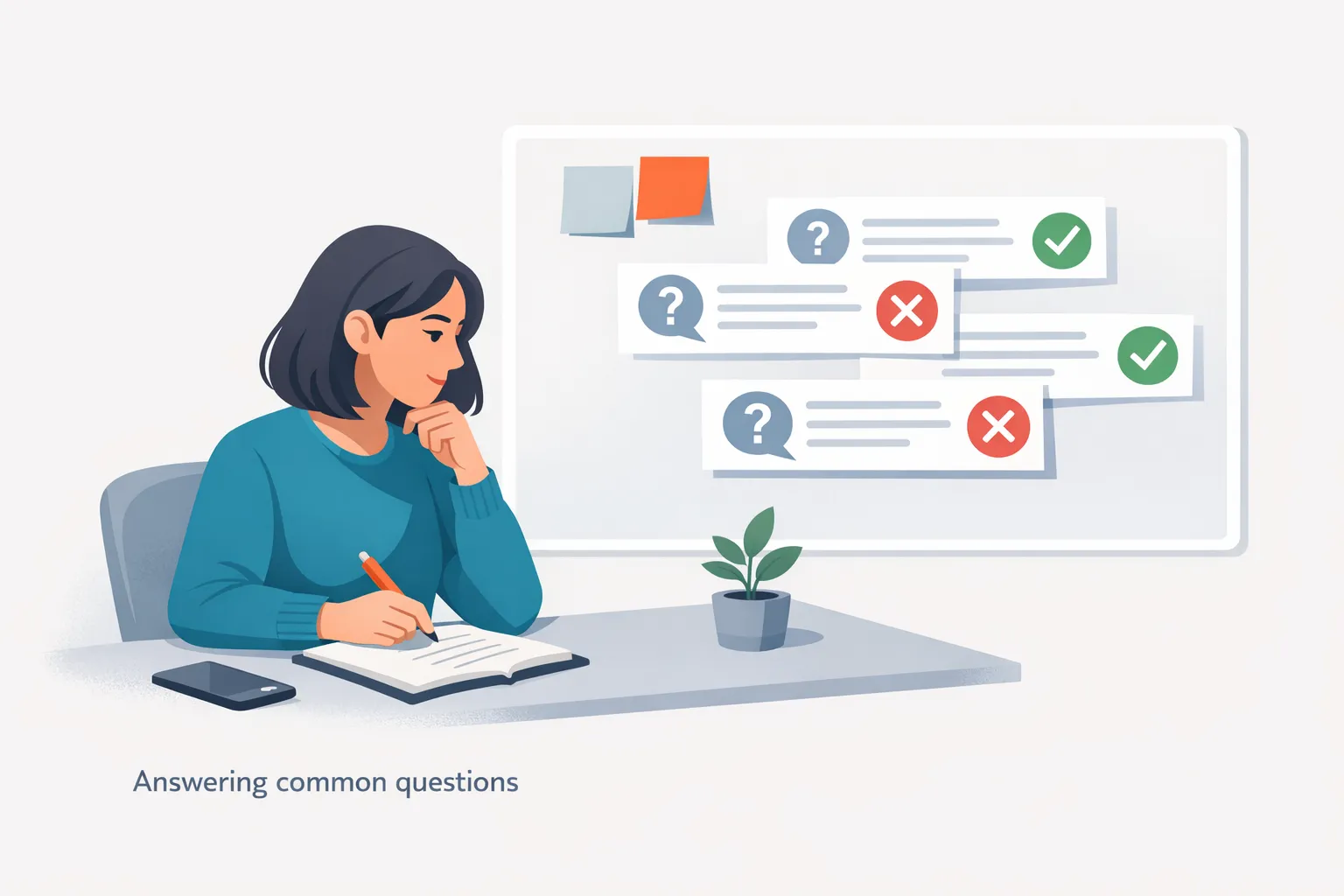
Verification: Confirm Your Google-Ready FAQ Is Working
Verification ensures that the FAQ is truly ready for Google to surface in rich results. Start by validating that the visible FAQ text on the page matches the structured data and that the JSON-LD script is present and correctly formatted. Then confirm the page is accessible to Google and not blocked by restrictions, and verify indexing signals in Search Console. Use the URL Inspection tool to check how Google sees the page, and revalidate after any content updates to sustain eligibility and performance.
- FAQ content visible to users on the source page
- MainEntity is an array of Question items
- Each Question includes a name and an acceptedAnswer with text
- JSON-LD script present and aligned with on page text
- Page not blocked by robots.txt or noindex
- At least one Question on the page
- Content in markup mirrors visible content
- Markup validated with Rich Results Test
- Changed content triggers recrawl updates via sitemap or URL Inspection
- Search Console shows structured data status and impressions
- No promotional content in the FAQ
| Checkpoint | What good looks like | How to test | If it fails, try |
|---|---|---|---|
| Visible on-page FAQ content | FAQ text exactly mirrors on-page visible content | Manually compare questions and answers on the page to the markup | Update markup or content to align; ensure content is not hidden behind interactions |
| MainEntity structure | MainEntity is an array of Question items with name and acceptedAnswer | Inspect the JSON-LD in source or run Rich Results Test | Correct the JSON-LD to match the on-page questions and answers |
| Accessibility to Google | Page loads and is fetchable by Google | Use URL Inspection to check indexing status | Remove blockers like noindex; adjust robots.txt if needed |
| Markup validation | Rich Results Test reports eligible results with no critical errors | Run Rich Results Test on the page URL | Fix syntax errors or missing fields in the markup |
| Recrawl and updates | Sitemap updated and Google recrawls after changes | Check indexing status after updates and verify new items appear | Resubmit sitemap or request a recrawl; ensure markup stays in sync with content |
Troubleshooting: fix common issues blocking Google FAQ markup
When a Google friendly FAQ isn’t appearing, diagnose quickly by checking alignment between on page content and the structured data, validating the JSON LD, and confirming Google can fetch the page. Focus on accessibility, accuracy, and synchronization between what users see and what you mark up. By following concrete fixes you can restore eligibility and maintain consistent performance over time.
-
Symptom:
Rich Results Test shows errors or no eligible results for the FAQ markup
Why it happens: The JSON LD may be missing or misformatted, or mainEntity is not an array of Question items with required fields
Fix: Add a valid JSON LD block with @context, @type FAQPage, and a mainEntity array where each Question has a name and acceptedAnswer.text; re-run the Rich Results Test until it passes
-
Symptom:
FAQ content on the page is visible but the markup is not indexing or shown in SERP
Why it happens: The page may be blocked by robots.txt or noindex, or Google cannot crawl the page
Fix: Ensure the page is accessible, remove any noindex directives, and submit or update the sitemap; verify with the URL Inspection tool
-
Symptom:
MainEntity is not an array and some questions lack acceptedAnswer
Why it happens: Data modeling error or incomplete markup
Fix: Convert mainEntity to an array and add acceptedAnswer for every Question; confirm each item includes name and acceptedAnswer.text
-
Symptom:
FAQ text is not visible to users (hidden behind accordions or JS)
Why it happens: Content is loaded dynamically or hidden via CSS until interaction
Fix: Render FAQ text as static HTML visible in the initial page view or ensure accessibility in the render path
-
Symptom:
Markup does not reflect on page updates
Why it happens: CMS updates and markup synchronization are out of sync
Fix: Establish a workflow that updates JSON LD whenever on page FAQ content changes and revalidate after publishing
-
Symptom:
Page blocked by noindex or robots.txt during testing
Why it happens: Intentional or accidental blocks prevent crawling
Fix: Remove blocking directives and ensure the page is crawlable; confirm through the URL Inspection tool
-
Symptom:
Localization or language variants show mismatched markup
Why it happens: Different locales use separate markup or content strings that aren’t aligned
Fix: Provide language specific JSON LD blocks or ensure all localized pages mirror visible FAQs and acceptedAnswer text
What readers ask next about Google ready question pages
- How do I ensure the questions reflect real user queries? Gather questions from support tickets chats and forms, capture exact wording, and organize them by user intent such as research purchase or post purchase.
- Should I use a separate page per question Yes for clarity and better snippet potential; the on page content should align with the corresponding markup and the mainEntity should include multiple questions if needed.
- What markup format should I choose Use JSON LD as the standard approach and consider Microdata if your CMS supports it; ensure the context and type are correct and each question has a name and acceptedAnswer.
- How do I validate the markup before publishing Run Google’s Rich Results Test or Schema Markup Validator and fix any critical errors before going live.
- How can I make sure the FAQ is accessible to Google and users Ensure the page is not blocked by robots.txt or noindex and that the FAQ text is visible on the page at load.
- How often should I update the FAQ content Update whenever related product or policy information changes and revalidate markup after updates.
- Should I include images with FAQ items Images are optional but can improve SERP visibility; keep them lightweight and ensure they do not disrupt markup.
- How do I track the impact of FAQs Monitor indexing status and rich results in search console and watch for changes in impressions and click-through rate.
Next steps to perfect a Google-ready FAQ
How do I start building a Google-ready FAQ?
Begin by collecting real user questions from support tickets, chats, and forms to reflect authentic search intent. Write concise one sentence answers followed by a brief, practical paragraph to provide context. Then encode the content with FAQPage markup using JSON-LD and ensure the visible text matches the markup. Validate with Google's Rich Results Test, fix issues, and publish where the FAQ is visible.
What markup format should I use for the FAQ?
Use JSON-LD as the standard approach, with the context set to https://schema.org and type FAQPage. Include a mainEntity array where each Question has a name and an acceptedAnswer.text that mirrors the visible answer. Keep the markup close to the on page content and test for correctness before publishing.
How do I ensure the on-page FAQ text matches the markup?
Review every Question and Answer on the page and compare them side by side with the corresponding JSON-LD entries. If any discrepancy exists, update either the visible text or the markup so they are identical. Re-run the validation tool after adjustments and confirm alignment persists after content changes.
Should I place one page per question or group multiple questions?
Prefer one page per question to maximize snippet potential and clarity. If you group multiple questions on a single page, map each Question in mainEntity to the specific visible Q and A, ensuring there is a clear, direct association and that the markup remains easy to maintain.
How can I validate the markup before publishing?
Run Google's Rich Results Test or Schema Markup Validator on the page URL to confirm eligibility. Fix any syntax errors, missing required fields, and ensure the mainEntity array contains properly formed Question entries. Re-run the test after each adjustment and stop only when the tool reports eligible results without warnings.
How do I monitor performance after publishing?
After publishing, monitor indexing status and rich results visibility in Google Search Console. Use the URL Inspection tool to confirm Google sees the page and the markup. Track impressions and clicks from rich results and plan periodic refreshes whenever FAQ content changes to sustain eligibility and impact.
What are common pitfalls to avoid?
Avoid hiding FAQ content behind accordions or dynamic scripts that delay visibility; ensure mainEntity is an array; provide a name and a text in acceptedAnswer for every Question; keep content up to date; do not duplicate FAQs across pages; and never mark up content that doesn't exist on the page.


