This comparison helps teams decide which schema tools best fit their workflows across Oracle and MySQL environments. If you need rapid Oracle schema diffs and deployment readiness, choose Schema Compare for Oracle . For collaborative change history with Git SVN or TFS, Source Control for Oracle is ideal. Migration orchestration within a Redgate ecosystem is best served by Flyway. If you require health monitoring of deployments and diffs, Redgate Monitor fits. For testing workflows and data management, Redgate Test Data Manager helps. MySQL users should consider Schema Compare for MySQL for cross environment diffs. To validate data differences in Oracle, Data Compare for Oracle is appropriate, and Data Masker protects sensitive data.
TLDR:
- Schema Compare for Oracle is ideal for rapid Oracle schema diffs and deployment readiness.
- Source Control for Oracle focuses on integrating changes with Git SVN and TFS and tracking history.
- Redgate Flyway provides migration orchestration within the Redgate ecosystem.
- Schema Compare for MySQL covers cross environment MySQL schema diffs.
- Data Masker addresses masking sensitive data during development and testing.
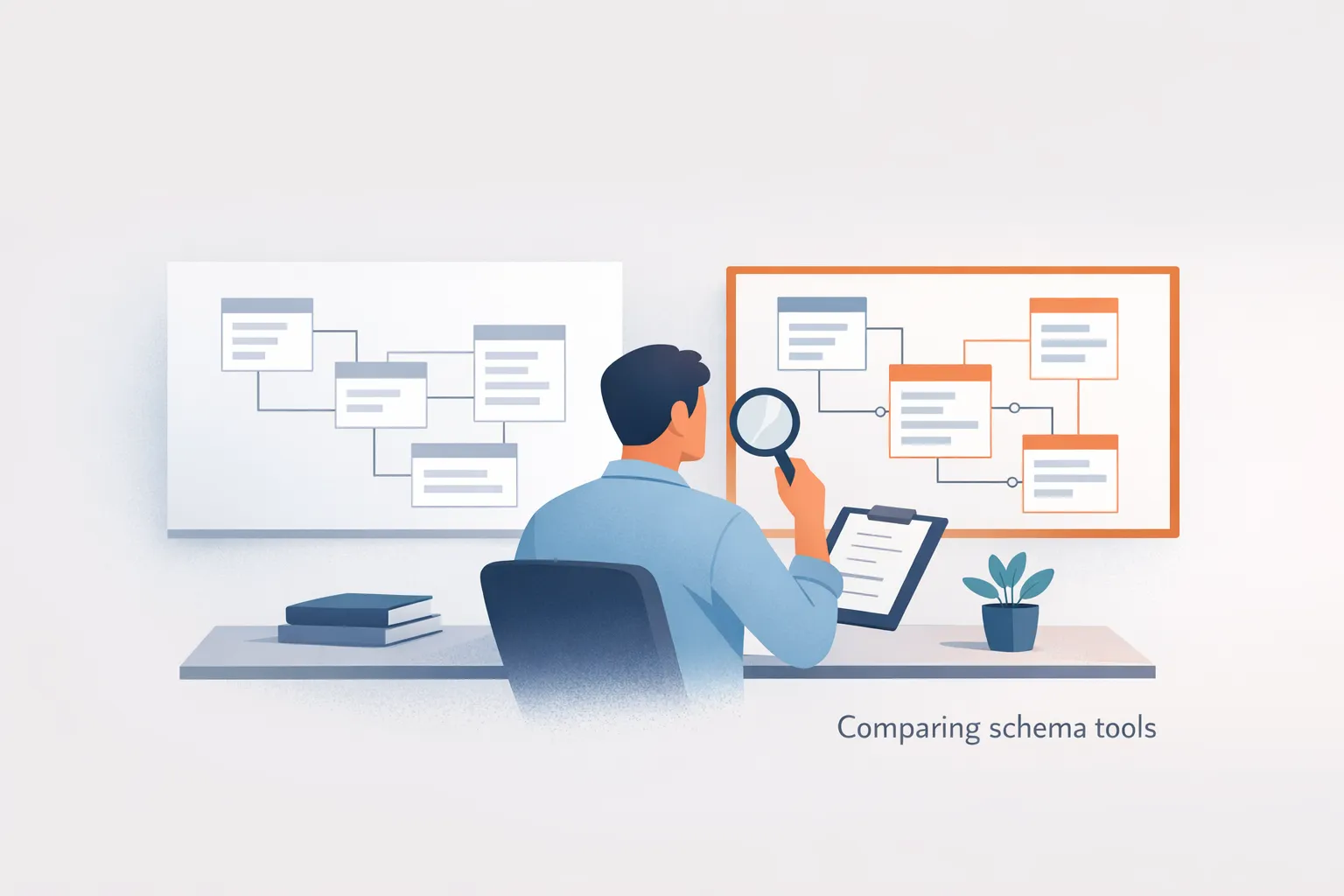
In depth comparison of schema tools for Oracle and MySQL
This section presents a concise side by side view of eight schema tools spanning Oracle and MySQL environments. It highlights who each tool serves, the core strength it offers, and the tradeoffs to consider during selection. The goal is to help teams map their workflow to the most suitable tool, whether rapid Oracle diffs are required, collaboration and history tracking matter, or data related features such as masking are needed.
| Option | Best for | Main strength | Main tradeoff | Pricing |
|---|---|---|---|---|
| Schema Compare for Oracle | Best for rapid Oracle schema diffs and deployment readiness | Granular diffs including per object differences and DDL visibility | Requires Visual Studio or MSSQL extension to operate | 28 day trial; 1 Year Subscription; licensing tiers: one to four users, five to nine users, ten plus users |
| Source Control for Oracle | Best for integrating changes with Git SVN and TFS and tracking history | Source control integration and history tracking | Not stated | Not stated |
| Redgate Flyway | Best for migration and orchestration within Redgate ecosystem | Migration oriented workflows | Not stated | Not stated |
| Redgate Monitor | Best for monitoring schema changes and deployment health within Redgate tools | Monitoring changes and deployment health | Not stated | Not stated |
| Redgate Test Data Manager | Best for ecosystem integration with testing and data management within Redgate tools | Testing and data management integration | Not stated | Not stated |
| Schema Compare for MySQL | Best for MySQL schema diffs | MySQL schema diffs | Not stated | Not stated |
| Data Compare for Oracle | Best for validating data differences between Oracle schemas | Comparing data between Oracle schemas | Not stated | Not stated |
| Data Masker | Best for masking sensitive data within environments | Masking sensitive data within environments | Not stated | Not stated |
How to read this table:
- Focus on the ability to compare across databases and formats used in your environment
- Check if per object and DDL level details are important for your deployment plan
- Consider whether you need direct apply versus generated scripts
- Look for options to save reusable definitions for repeatable workflows
- Evaluate how well the tool integrates with your current source control and continuous integration and deployment pipelines
- Assess coverage of object types and multi environment support
Option by option comparison of schema tools for Oracle and MySQL
Schema Compare for Oracle
Best for: Best for rapid Oracle schema diffs and deployment readiness.
What it does well:
- Granular diffs including per object differences and DDL visibility
- Generates synchronization scripts for deployment
- Results can be grouped by type and filtered
- Per-line level details in the results grid
Watch-outs:
- Requires Visual Studio or MSSQL extension to operate
- UI features depend on the supported IDE environment
Notable features: It offers granular object level diffs with DDL visibility and the ability to generate deployment scripts; comparisons can be saved and reviewed as actionable items in the results.
Setup or workflow notes: Launch the comparison from Visual Studio or the MSSQL extension, review the actions, and optionally generate a synchronization script that appears in the Transact-SQL Editor for inspection and execution.
Source Control for Oracle
Best for: Best for integrating changes with Git SVN and TFS and tracking history.
What it does well:
- Source control integration with Git, SVN, and TFS
- Change history visibility and tracking
- Supports Oracle workflows for collaboration
Watch-outs:
- Pricing not stated
- Setup and integration details not fully described in evidence
Notable features: Focuses on integrating schema changes with version control and preserving history, enabling teams to see who changed what and when.
Setup or workflow notes: Typically involves connecting to a version control system and enabling change tracking within the Oracle tooling environment; review changes before merging.
Redgate Flyway
Best for: Best for migration and orchestration within Redgate ecosystem.
What it does well:
- Migration oriented workflows
- Supports structured deployment within the Redgate toolset
- Facilitates planning and sequencing of changes
Watch-outs:
- Pricing not stated
- Setup and integration specifics are not detailed in the evidence
Notable features: Emphasizes migration oriented workflows that align with deployment pipelines in the Redgate ecosystem.
Setup or workflow notes: Integrates with Redgate tooling to manage migration scripts and deployment steps; typical workflow involves creating, validating, and applying scripts in sequence.
Redgate Monitor
Best for: Best for monitoring schema changes and deployment health within Redgate tools.
What it does well:
- Monitors changes across schema deployments
- Tracks deployment health and status indicators
- Provides visibility into ongoing changes within the Redgate ecosystem
Watch-outs:
- Pricing not stated
- Evidence does not specify all integration details with external systems
Notable features: Focuses on health monitoring and change visibility, helping teams spot issues early during deployments.
Setup or workflow notes: Typically configured to observe deployments and surface health metrics; review alerts and dashboards to guide remediation.
Redgate Test Data Manager
Best for: Best for ecosystem integration with testing and data management within Redgate tools.
What it does well:
- Supports testing workflows within the Redgate ecosystem
- Integrates with data management tasks tied to testing
- Provides tooling to manage test data provisioning
Watch-outs:
- Pricing not stated
- Detailed deployment or runtime notes not provided in evidence
Notable features: Centers on test data provisioning and aligning data management with testing needs to reduce risk in releases.
Setup or workflow notes: Integrated into the Redgate suite; use within testing workflows to provision and refresh test data as part of release cycles.
Schema Compare for MySQL
Best for: Best for MySQL schema diffs.
What it does well:
- Focuses on MySQL schema differentials
- Supports cross environment schema comparisons
Watch-outs:
- Pricing not stated
- Detailed workflow notes not described in the evidence
Notable features: Highlights diffs at the MySQL level, enabling targeted updates across environments.
Setup or workflow notes: Used to compare MySQL definitions; workflow typically involves selecting source and target definitions and reviewing actions before applying.
Data Compare for Oracle
Best for: Best for validating data differences between Oracle schemas.
What it does well:
- Compares data between Oracle schemas
- Helps identify data level differences across environments
Watch-outs:
- Pricing not stated
- Specific setup steps not detailed in the evidence
Notable features: Focuses on data differences to support validation and reconciliation across Oracle schemas.
Setup or workflow notes: Typically involves selecting base and test data sources and reviewing results before actioning changes.
Data Masker
Best for: Best for masking sensitive data within environments.
What it does well:
- Masks sensitive data within environments
- Supports data protection during development and testing
Watch-outs:
- Pricing not stated
- Evidence does not specify deployment specifics
Notable features: Provides safeguards for data privacy by masking data used in non-production environments.
Setup or workflow notes: Integrated into development and testing workflows to replace real data with masked equivalents during tests and demos.
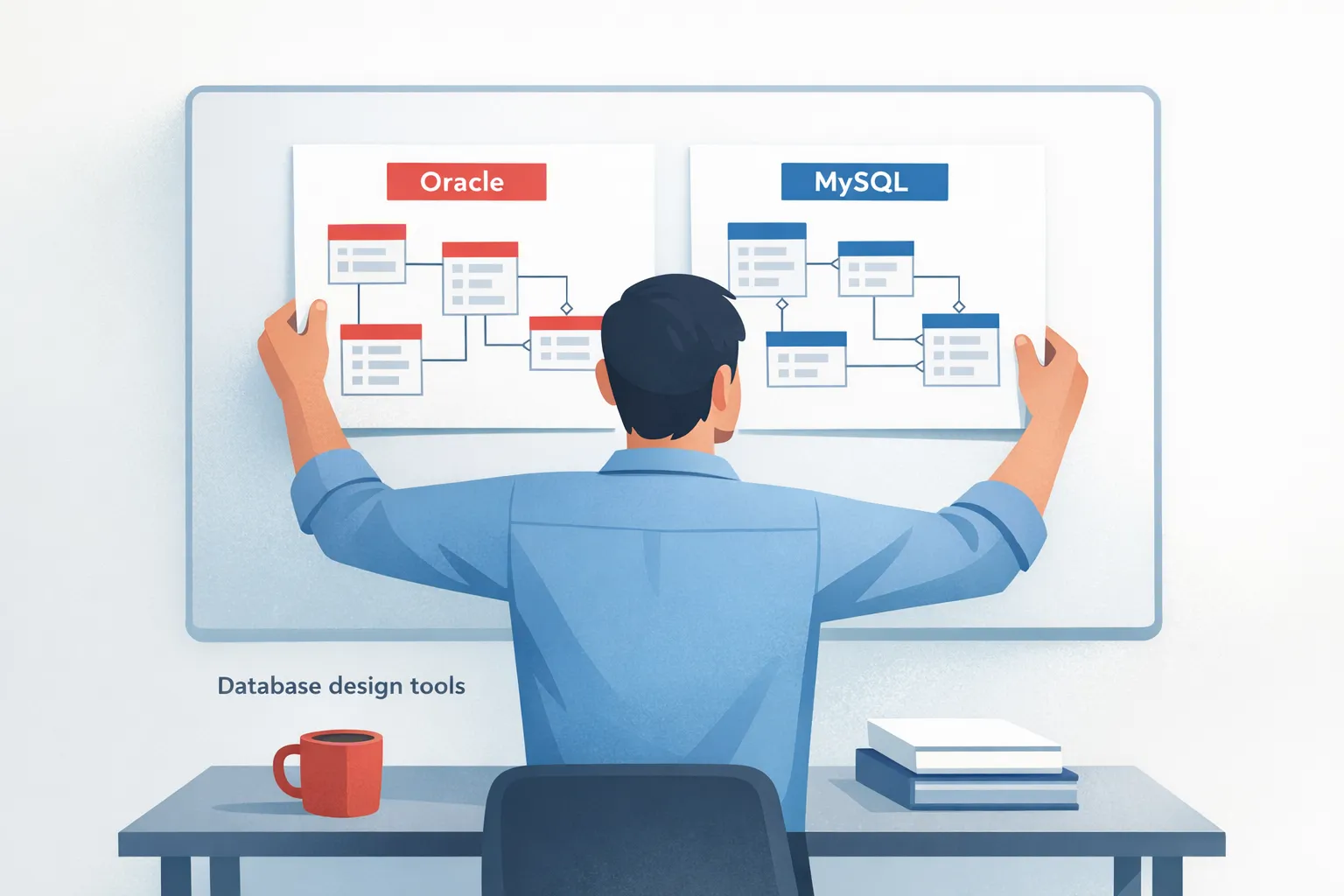
Decision help for selecting schema tools across Oracle and MySQL
Choosing a schema tool hinges on the primary objective: rapid Oracle diffs and deployment readiness, collaboration and history, or broader goals like migration orchestration, monitoring, testing, and data protection. This decision framework maps each tool’s strengths to typical workflows, helping teams prioritize the right mix for their environment. Consider whether you need per object diffs and script generation, source control integration, or dedicated data masking. By aligning use cases with the strongest capabilities from the evidence, you can reduce risk and enable repeatable, auditable deployments across environments.
- If you need rapid Oracle schema diffs and deployment readiness, choose Schema Compare for Oracle because it offers granular diffs and the ability to generate deployment scripts.
- If your team requires tracking changes with version control history, choose Source Control for Oracle because it integrates with Git SVN and TFS and preserves history.
- If you must manage migrations and sequencing, choose Redgate Flyway because it emphasizes migration oriented workflows within the Redgate ecosystem.
- If monitoring deployment health matters, choose Redgate Monitor because it focuses on change visibility and health indicators during deployments.
- If testing workflows and data management are central, choose Redgate Test Data Manager because it supports testing workflows and data provisioning.
- If you work with MySQL and need cross environment schema diffs, choose Schema Compare for MySQL because it focuses on MySQL schema differentials.
- If validating data differences is key for Oracle, choose Data Compare for Oracle because it highlights data level differences between schemas.
- If protecting sensitive data in development and testing is required, choose Data Masker because it masks sensitive data within environments.
- If you need a broader toolset that covers multiple facets of schema and data, consider combining tools where appropriate to map to each workflow.
People usually ask next
- What is the difference between applying changes in the UI versus generating and running a script. The UI typically shows thedifferences and offers the option to apply or generate a script for review before execution.
- Do these tools support multiple environments and IDEs like Visual Studio and VS Code. Some tools integrate with IDEs and can target multiple environments, while others rely on scripts or command line workflows.
- Can you reuse a comparison as a definition across projects. Several tools save comparisons as definitions that can be reused or shared across environments.
- How does Source Control for Oracle integrate with other teams and merge workflows. It focuses on version control integration and change history to facilitate collaboration and review.
- Is there a trial period mentioned for Schema Compare for Oracle. A 28 day trial is mentioned for Schema Compare for Oracle.
- How do you validate data changes with Data Compare for Oracle before applying them. You review the data difference results to confirm changes align with expectations before applying.
Common questions about schema tools comparison
What is the main difference between Schema Compare for Oracle and Schema Compare for MySQL?
Schema Compare for Oracle focuses on Oracle database schemas, offering granular per-object differences and DDL visibility, with capabilities to generate deployment scripts. Schema Compare for MySQL addresses MySQL schema differentials across environments, focusing on MySQL object level changes. Both share the idea of surfacing differences side by side, but they are tailored to their respective database engines, affecting which objects are compared and how updates are applied.
Which tool is best for teams that want to track changes over time?
Source Control for Oracle is designed to integrate changes with Git SVN and TFS and preserve history, making it the best choice for teams that need auditable collaboration around Oracle schema changes. It supports standard version control workflows, pushes diffs to a central repository, and helps teams review and merge changes with traceable histories.
Are there tools designed for monitoring deployments health?
Redgate Monitor focuses on monitoring schema changes and deployment health within the Redgate tooling ecosystem. It surfaces change visibility, health indicators, and ongoing deployment status, helping teams detect issues early, coordinate remediation, and maintain confidence across development, testing, and production environments. It provides dashboards and alerts to guide operators during transitions.
Are there tools designed for data related tasks besides schema diffs?
Data Compare for Oracle specializes in validating data differences between Oracle schemas, while Data Masker focuses on masking sensitive data within environments. Redgate Test Data Manager complements these by supporting testing workflows and data provisioning within the ecosystem.
Do these tools require a specific IDE or environment to run?
Schema Compare for Oracle requires Visual Studio or the MSSQL extension to operate. Other tools may be part of the broader Redgate ecosystem or provide command line workflows and IDE integration, but the Oracle comparison tool is specifically tied to those IDE environments.
Is there a trial period available for any of these tools?
The 28 day trial is noted as available, while other tools do not have published trial information in the provided materials. Organizations evaluating should verify current terms since licensing terms can change over time.
Can I reuse a comparison as a reusable definition?
Yes, schema comparisons can be saved as .scmp definitions for reuse across environments; this feature supports sharing a consistent baseline, reapplying approved differences, and speeding up repetitive deployments across teams. This reusable definition approach helps coordinate across multiple engineers and environments.
Do these tools support cross-environment diffs or multi-environment workflows?
Schema Compare for MySQL explicitly supports cross environment diffs, while Schema Compare for Oracle can compare databases, .dacpac files, or SQL projects, and other tools describe multi environment workflows to some extent. Overall, several tools provide cross environment capabilities, with specifics varying by product.


