You’re about to build a buyer intent focused comparison page that helps buyers evaluate options side by side and move toward a confident decision. Start by defining a tight apples to apples set of criteria aligned with your ICP, then collect current data for each option with clearly dated sources. Build a simple comparison matrix that highlights the factors buyers care about such as price ranges, deployment models, support SLAs, integrations, and key differentiators, and map any buyer intent signals to dedicated panels. Write neutral, concise copy for each option and optimize the page for SEO and accessibility. Implement tracking to measure engagement and establish a cadence for regular refreshes so the content stays current. Publish with a strong next step CTA and trust cues like customer logos or quotes. The simplest path is to produce a one page matrix first and improve it iteratively over time.
This is for you if:
- Marketing teams creating comparison content to support ABM and demand gen
- Product marketing and content teams needing a consistent, data backed comparison tool
- SEOs and content strategists focusing on buyer intent and SERP quality
- Demand gen managers who track engagement and refresh cadence
- Sales enablement teams seeking transparent criteria and quick guidance for reps
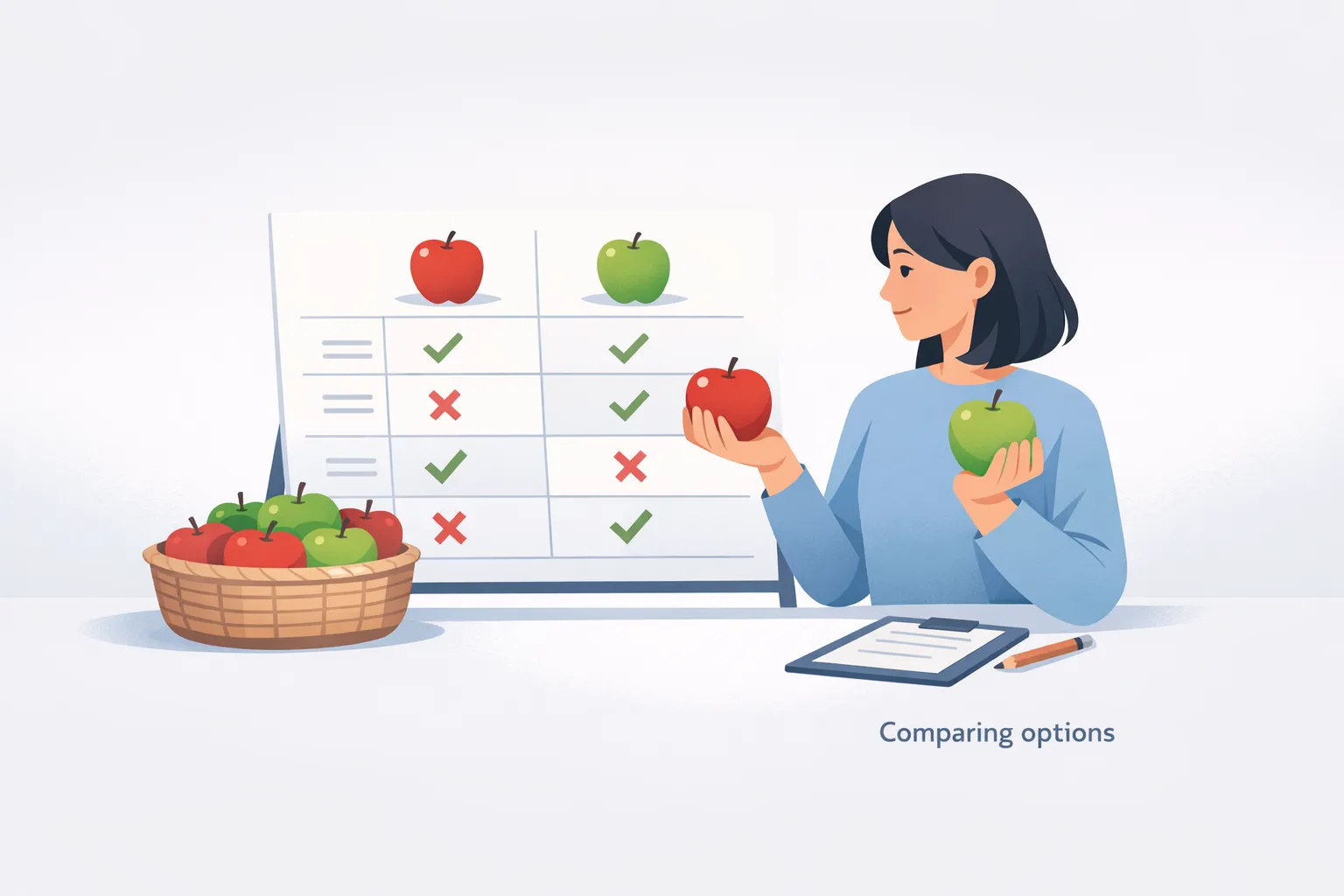
Prerequisites for a Buyer-Intent Comparison Page
Having clear prerequisites ensures you publish a trustworthy, data backed comparison that helps buyers move from consideration to decision. By aligning your ICP and decision criteria, securing reliable data sources, and establishing a publish and refresh cadence, you create a page that remains relevant as market signals change. With the right setup you can deliver apples to apples comparisons, credible sources, and a compelling path to the next step for readers.
Before you start, make sure you have:
- Defined ICP and decision criteria
- Access to buyer intent signals from one or more data sources
- Content management system ready to publish and update the page
- Clear owner and cadence for updates and data refresh
- On page SEO and accessibility plan
- Visual assets for a side by side comparison (icons charts)
- Tracking plan to measure engagement and updates
- A link to a comprehensive guide on buyer intent data for deeper context G2 Buyer Intent Playbook
- Available case studies or product assets to support trust cues
Actionable steps to build a buyer-intent comparison page
Plan to build a buyer-intent comparison page that helps readers evaluate options quickly and confidently. This guide walks you through a practical, time-efficient path from defining apples to apples criteria to publishing and refreshing the page. Focus on consistent data, neutral copy, accessible design, and a clear next step. Expect to assemble a compact matrix first, then layer in supporting content and trust signals as you collect more signals. By keeping scope tight and data current, you create a reusable template that scales as new competitors appear and buyer needs evolve.
-
Define apples to apples criteria
Identify the core criteria buyers use to compare options. List the same criteria for every option and present them in the same order. Link each criterion to a specific buyer need and ICP stage to maintain relevance.
How to verify: Criteria are documented in a single reference sheet with defined units.
Common fail: Skipping ICP alignment or using uneven criteria across options.
-
Gather current option data
Collect data for each option, including pricing, key features, deployment model, vendor support terms, and any proof points or sources. Keep data in a consistent format for easy comparison. Note the date or version of each data point to show freshness.
How to verify: Data compiled in a single sheet with sources and dates.
Common fail: Missing data or inconsistent units.
-
Create apples to apples matrix
Build a matrix that lists criteria rows and options columns. Use the same units or scales for all criteria (for example price ranges and uptime or feature counts). Ensure the matrix is visually scannable and highlights key differentiators.
How to verify: Matrix covers all criteria and every option is represented.
Common fail: Inconsistent criteria or missing options.
-
Write neutral copy for each option
Draft concise, factual copy for each option that explains capabilities, who it is best for, and any tradeoffs. Maintain balanced depth across all entries and avoid marketing bias.
How to verify: Each option has a dedicated balanced paragraph.
Common fail: Copy favors one option or overemphasizes benefits.
-
Optimize for SEO and accessibility
Apply on page search optimization and accessibility basics: descriptive headings, alt text for visuals, logical reading order, and accessible color contrast. Ensure meta tags and schema where appropriate without overstuffing keywords.
How to verify: Accessibility checks pass and SEO basics implemented.
Common fail: Missing alt text or inaccessible color contrast.
-
Implement tracking and update cadence
Set up analytics to monitor engagement metrics such as page views and time on page and tie conversions to inquiries or downloads. Define a clear cadence for refreshing data and updating the matrix, with ownership assigned. Document who is responsible and when the next update occurs.
How to verify: Tracking events are firing and refresh calendar exists.
Common fail: Cadence not followed or updates delayed.
-
Publish and promote
Publish the page with accessible navigation and internal links from related content. Add a strong next step CTA and ensure the page is indexable. Coordinate with demand and sales to drive initial traffic and collect early feedback.
How to verify: Page is live and analytics show initial engagement.
Common fail: Page remains unlinked or traffic is stagnant.
-
Schedule regular refreshes
Set a recurring calendar reminder to review data, update pricing where needed, and refresh the matrix. Align refresh timing with market changes and product updates to keep the page current.
How to verify: Refresh cadence is observed and changes are published on schedule.
Common fail: Updates slip or become stale.
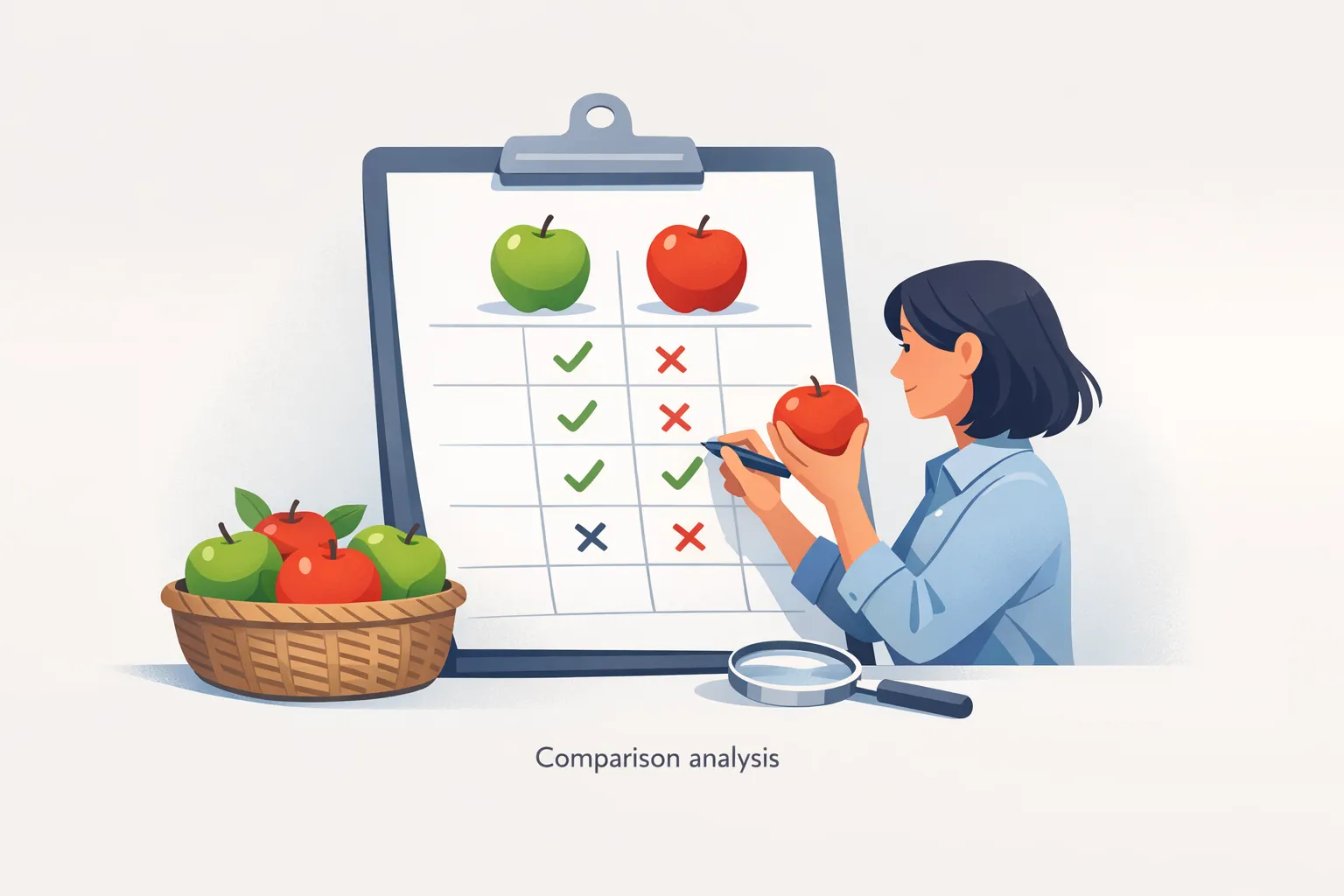
Verification and validation of the buyer-intent comparison page
To confirm success, review that the page clearly presents apples to apples criteria, uses current signals, and guides readers toward a definite next step. Verify the data is fresh, the comparison matrix covers identical criteria for every option, and accessibility and SEO basics are in place. Ensure analytics are capturing engagement and that a documented refresh cadence exists. When these conditions are met, the page earns trust cues and a smooth path to action that can be updated quickly as market signals evolve.
- Apples to apples criteria applied to every option
- Data sources are current and clearly referenced
- Page is accessible and navigable with alt text for visuals
- Tracking events fire and feed into analytics or CRM
- Next-step CTA is obvious and clickworthy
- Trust cues such as logos or quotes are present
- Page loads well on desktop and mobile
- Refresh cadence and ownership are documented
| Checkpoint | What good looks like | How to test | If it fails, try |
|---|---|---|---|
| Data freshness | All data points show recent dates and credible sources | Review data timestamps and source citations on the page | Update data points and re-check sources; adjust the refresh cadence |
| Criteria parity | Each option is evaluated using the same set of criteria | Cross-check the matrix against the criteria list for completeness | Recalibrate criteria or adjust the matrix to restore parity |
| Accessibility | Descriptive text for images, logical reading order, keyboard navigable | Run an accessibility check and navigate with keyboard only | Add alt text, fix contrast, adjust focus order |
| Tracking | Engagement data flows to analytics/CRM and can be analyzed | Trigger test events or use real-time debugging tools | Fix tagging or integration issues and verify data transmission |
| CTA visibility | Primary CTA is prominent and clearly guides next steps | Click-through test and verify form or download submission | Reposition or rewrite CTA and adjust placement |
| Trust cues | Customer logos and quotes are visible and properly linked | Verify assets render and links function | Refresh testimonials or update assets as needed |
Troubleshooting the buyer-intent comparison page
When building a buyer-intent comparison page issues will surface around data freshness parity accessibility tracking and user experience. This guide provides actionable steps to diagnose and fix common problems with clear checks and remedies that keep the page trustworthy and usable. Follow these entries to maintain accuracy speed and relevance as market signals shift and new competitors enter the space.
-
Symptom:
Page loads slowly or renders slowly with heavy matrix components
Why it happens: Large data sets unoptimized assets and blocking scripts can extend render time and degrade user experience.
Fix: Optimize images and fonts. Lazy load noncritical assets. Minify CSS and JavaScript and defer heavy scripts until after the initial render.
-
Symptom:
Criteria parity is inconsistent across options
Why it happens: Data gaps or inconsistent data input lead to uneven comparisons.
Fix: Standardize data fields create a single data dictionary enforce validation rules and require complete data before publishing.
-
Symptom:
Accessibility issues prevent keyboard navigation or screen reader usage
Why it happens: Missing alt text improper heading order and color contrast problems hinder accessibility.
Fix: Add descriptive alt text ensure logical reading order fix color contrast and test with keyboard navigation.
-
Symptom:
Data freshness indicators show outdated information
Why it happens: No defined refresh cadence or missing update timestamps.
Fix: Establish a regular data refresh schedule add visible last updated dates and automate data pulls where possible.
-
Symptom:
Tracking events do not fire or analytics stop collecting data
Why it happens: Misconfigured tags blocked cookies or privacy prompts interfere with data collection.
Fix: Validate tag deployment run real time tests verify consent flows and adjust privacy settings for compliant tracking.
-
Symptom:
Primary CTA does not attract clicks or conversions
Why it happens: CTA placement copy or visual hierarchy fails to draw attention or guide action.
Fix: Move CTA higher on the page test alternative copy and adjust color contrast and surrounding whitespace for focus.
-
Symptom:
Too many criteria overwhelm readers
Why it happens: Overly long matrices increase cognitive load and reduce scannability.
Fix: Trim to essential criteria limit to five to seven and offer expandable sections for advanced readers.
-
Symptom:
Trust cues missing or not properly displayed
Why it happens: Logos quotes or case references were not added or improperly licensed.
Fix: Add visible logos and authentic quotes ensure licensing and proper attribution and place near the matrix.
-
Symptom:
Data sources or citations are absent or hard to verify
Why it happens: Citations were omitted or not updated with data points.
Fix: Display source citations near each data point and include a last updated timestamp for transparency.
Next questions readers ask about building a buyer-intent comparison page
- What is meant by apples to apples criteria? A fixed set of criteria applied to every option, defined by ICP and buying stages, using the same units and order, with current data and clear sources.
- How do I choose which signals to surface? Start with core criteria important to your ICP (price deployment support integrations) and pair first party signals with trusted third party signals, mapping each to a buying stage and avoiding data noise.
- How should I handle data freshness? Include a last updated timestamp for each data point and establish a regular refresh cadence, ideally automated where possible.
- What sources should I cite? Use credible, traceable sources for every data point, include dates, and maintain a data dictionary for internal clarity.
- How can I ensure accessibility and SEO? Use semantic headings alt text keyboard navigation and descriptive alt text for visuals; optimize for core keywords and avoid keyword stuffing.
- What is the minimum viable version? A single page matrix with core criteria neutral copy and a clear next step CTA, with room to expand later.
- How do I measure impact? Track engagement metrics page views time on page and CTA conversions and tie results to pipeline with attribution where possible.
- How can I scale for more options? Create a reusable template with a data dictionary automate data ingestion and keep a scalable process for adding new competitors.
Common questions about building a buyer-intent comparison page
What is meant by apples to apples criteria?
Apples to apples criteria means applying the same decision factors to every option in the comparison. Start with criteria that reflect your ICP and buying stages, and use identical units and measurement scales for all options. Present the criteria in a consistent order and provide current data with clear sources. This approach enables readers to compare like for like, understand trade offs, and see which option best fits their needs without guessing.
How do I choose which signals to surface?
Begin with the core criteria most important to your ICP and buying stages, then map signals to each criterion. Pair first-party signals such as pricing pages and downloads with trusted third-party indicators to reduce noise. Keep the signal set compact and actionable, and document how each signal informs next steps in outreach, content selection, or product fit.
How should data freshness be handled?
Apply a clear refresh cadence and display last updated timestamps next to each data point. Automate data pulls where possible and assign ownership for reviews. This discipline helps readers trust the page and ensures changes in pricing, features, or availability are reflected quickly, avoiding outdated comparisons that undermine credibility.
What sources should I cite?
Cite credible, traceable sources for every data point and provide dates for freshness. Build a lightweight data dictionary so readers understand terminology and units. Where possible use primary sources from your own data and clearly attribute third-party signals. Maintaining consistent sourcing builds trust and supports audits or future updates.
How can I ensure accessibility and SEO on the page?
Design for accessibility from the start with semantic headings, descriptive alt text for visuals, and logical reading order. Ensure color contrast meets standards and the page is keyboard navigable. For SEO, optimize metadata, use clean structured data where appropriate, and incorporate target keywords naturally without stuffing. This combination broadens reach and improves user experience.
What is the minimum viable version?
Start with a single page that presents the core apples to apples matrix plus neutral copy for each option and a clear next step CTA. Keep it lightweight and scannable. Plan for expansion by adding additional criteria and trust elements later, but ensure the MVP demonstrates parity and a path to action.
How do I measure the impact?
Define a concise set of metrics such as engagement time, scroll depth on the matrix, and CTA conversions. Tie outcomes to downstream results like inquiries or won deals where possible, and track changes after updates. Establish a simple attribution model to understand which elements move readers toward next steps.


